Linking to specific sections of a webpage
You can use menus, link buttons or even simply hyperlinked text to link to other pages on your Evessio website.
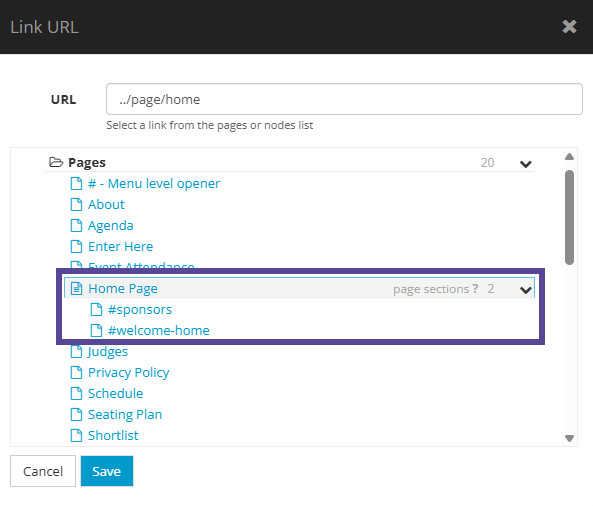
If you prefer, you can link to specific sections of your webpage, meaning the user will be brought directly to your chosen area of the page.
To create links to sections within your page, go to Website > Pages, choose your desired page, and simply add a Layout name in the section you want to link to.
Once you have added the layout name, click Save at the end of the page.
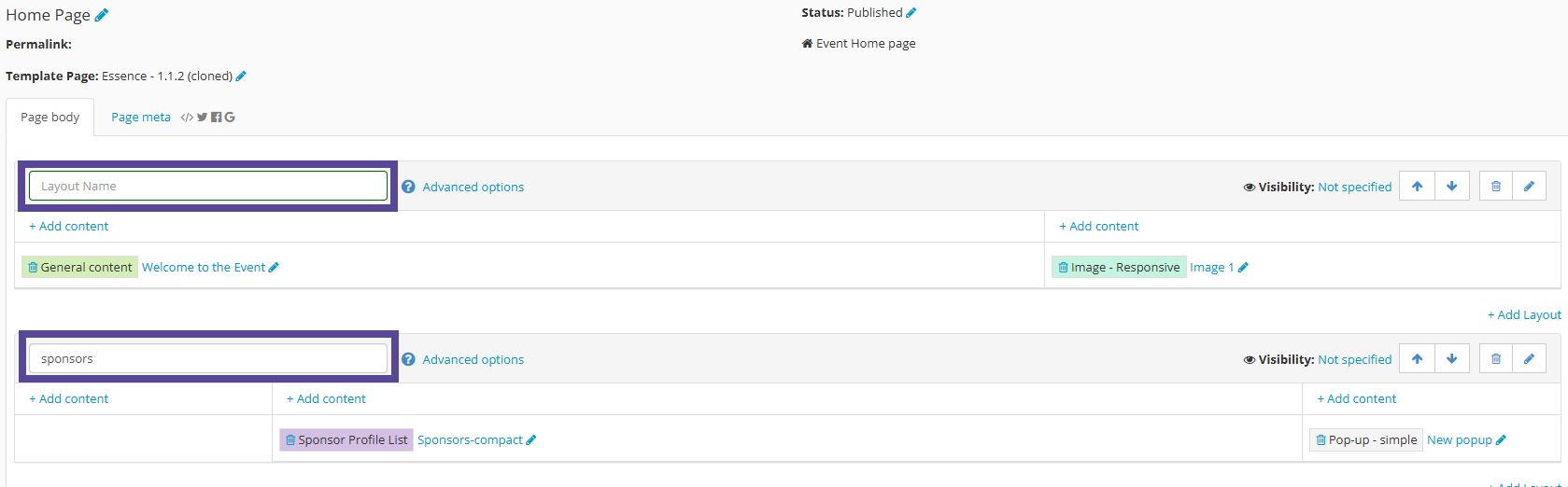
These named layouts become page sections which can be linked to.
You can now edit the menu to target the newly named page sections when choosing the page to link your menu item or link button to.